OpenSearch 学习,2024年最新大数据开发编程基础学习
修改localhost为你的opensearch虚拟机ip, 代码中新建了一个index添加了一条数据又将其删掉了 index也删掉了 自己可以注释掉后面的删除代码通过dashboard的dev-tools(下面介绍) 执行dql查看数据是否写入opensearch。管理员身份打开win系统的cmd命令行 找到自己的java环境变量路径 不知道的可以电脑设置里查看高级系统设置。可以将索引(inde
先自我介绍一下,小编浙江大学毕业,去过华为、字节跳动等大厂,目前阿里P7
深知大多数程序员,想要提升技能,往往是自己摸索成长,但自己不成体系的自学效果低效又漫长,而且极易碰到天花板技术停滞不前!
因此收集整理了一份《2024年最新大数据全套学习资料》,初衷也很简单,就是希望能够帮助到想自学提升又不知道该从何学起的朋友。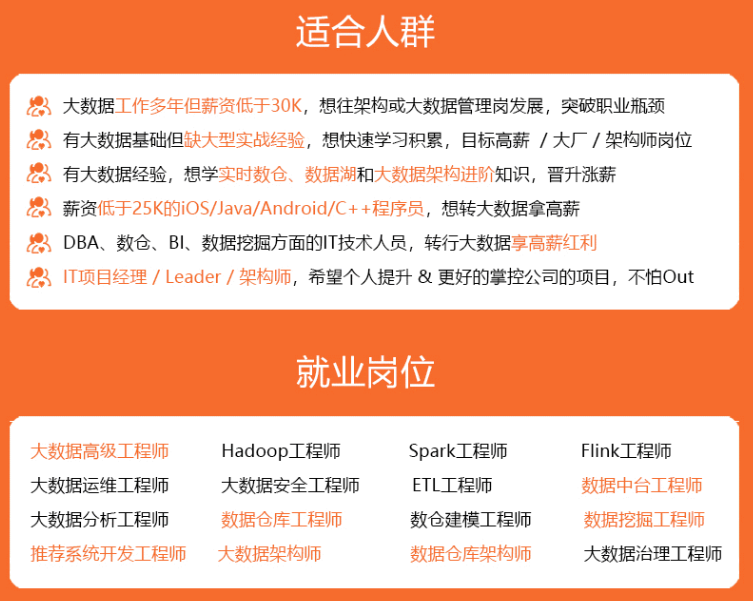
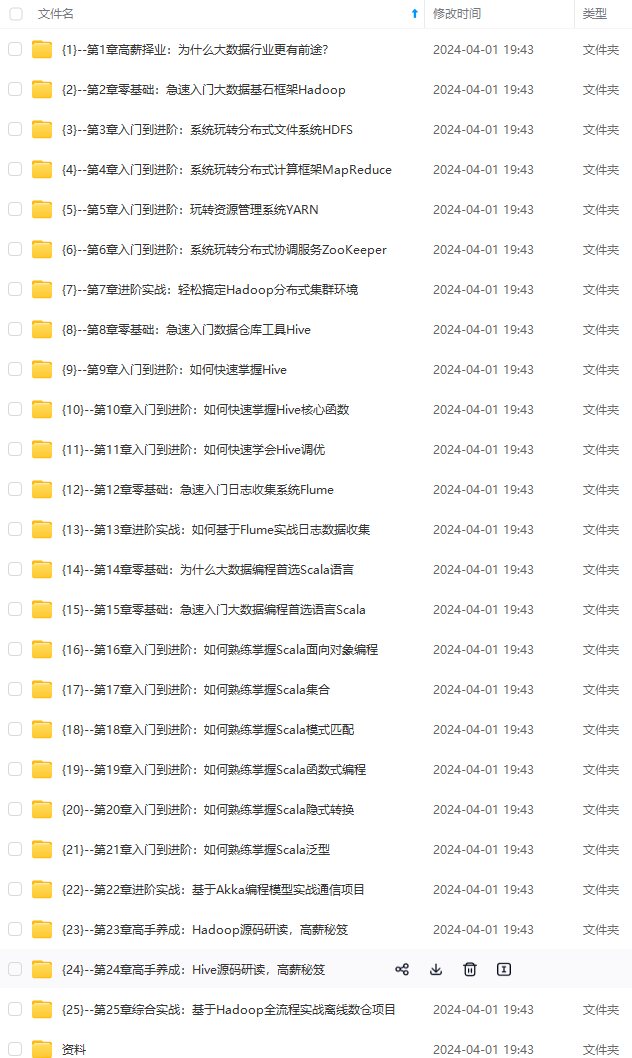
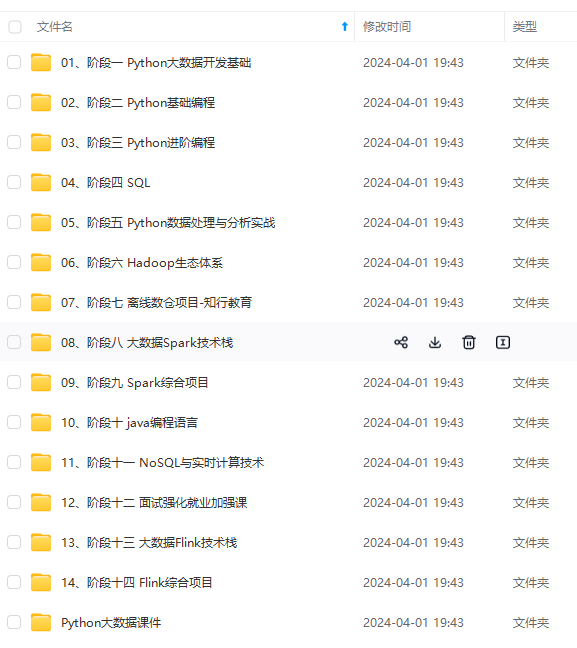
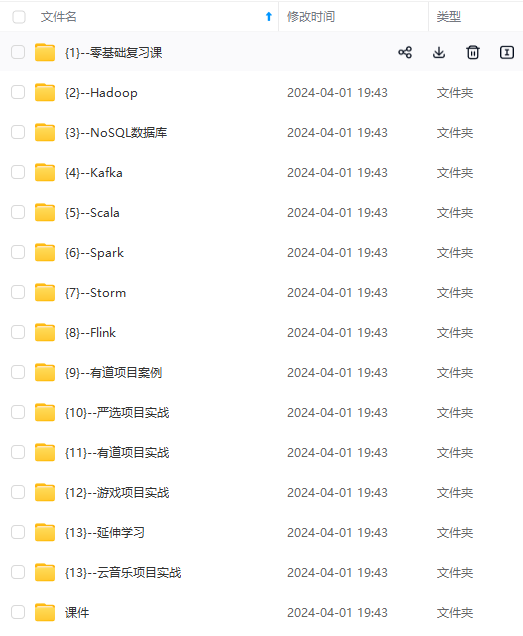
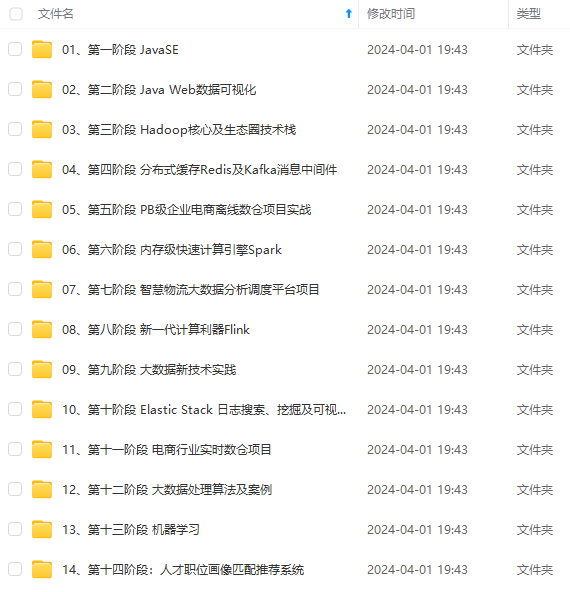
既有适合小白学习的零基础资料,也有适合3年以上经验的小伙伴深入学习提升的进阶课程,涵盖了95%以上大数据知识点,真正体系化!
由于文件比较多,这里只是将部分目录截图出来,全套包含大厂面经、学习笔记、源码讲义、实战项目、大纲路线、讲解视频,并且后续会持续更新
如果你需要这些资料,可以添加V获取:vip204888 (备注大数据)
正文
官方文档的案例
依赖
<dependency>
  <groupId>org.opensearch.client</groupId>
  <artifactId>opensearch-rest-client</artifactId>
  <version>2.6.0</version>
</dependency>

<dependency>
  <groupId>org.opensearch.client</groupId>
  <artifactId>opensearch-java</artifactId>
  <version>2.3.0</version>
</dependency>
代码
import org.apache.http.HttpHost;
import org.apache.http.auth.AuthScope;
import org.apache.http.auth.UsernamePasswordCredentials;
import org.apache.http.client.CredentialsProvider;
import org.apache.http.impl.client.BasicCredentialsProvider;
import org.apache.http.impl.nio.client.HttpAsyncClientBuilder;
import org.opensearch.client.RestClient;
import org.opensearch.client.RestClientBuilder;
import org.opensearch.client.base.RestClientTransport;
import org.opensearch.client.base.Transport;
import org.opensearch.client.json.jackson.JacksonJsonpMapper;
import org.opensearch.client.opensearch.OpenSearchClient;
import org.opensearch.client.opensearch._global.IndexRequest;
import org.opensearch.client.opensearch._global.IndexResponse;
import org.opensearch.client.opensearch._global.SearchResponse;
import org.opensearch.client.opensearch.indices.*;
import org.opensearch.client.opensearch.indices.put_settings.IndexSettingsBody;

import java.io.IOException;

public class OpenSearchClientExample {
  public static void main(String[] args) {
    RestClient restClient = null;
    try{
    System.setProperty("javax.net.ssl.trustStore", "/full/path/to/keystore");
    System.setProperty("javax.net.ssl.trustStorePassword", "password-to-keystore");

    //Only for demo purposes. Don't specify your credentials in code.
    final CredentialsProvider credentialsProvider = new BasicCredentialsProvider();
    credentialsProvider.setCredentials(AuthScope.ANY,
      new UsernamePasswordCredentials("admin", "admin"));

    //Initialize the client with SSL and TLS enabled
    restClient = RestClient.builder(new HttpHost("localhost", 9200, "https")).
      setHttpClientConfigCallback(new RestClientBuilder.HttpClientConfigCallback() {
        @Override
        public HttpAsyncClientBuilder customizeHttpClient(HttpAsyncClientBuilder httpClientBuilder) {
        return httpClientBuilder.setDefaultCredentialsProvider(credentialsProvider);
        }
      }).build();
    Transport transport = new RestClientTransport(restClient, new JacksonJsonpMapper());
    OpenSearchClient client = new OpenSearchClient(transport);

    //Create the index
    String index = "sample-index";
    CreateRequest createIndexRequest = new CreateRequest.Builder().index(index).build();
    client.indices().create(createIndexRequest);

    //Add some settings to the index
    IndexSettings indexSettings = new IndexSettings.Builder().autoExpandReplicas("0-all").build();
    IndexSettingsBody settingsBody = new IndexSettingsBody.Builder().settings(indexSettings).build();
    PutSettingsRequest putSettingsRequest = new PutSettingsRequest.Builder().index(index).value(settingsBody).build();
    client.indices().putSettings(putSettingsRequest);

    //Index some data
    IndexData indexData = new IndexData("first_name", "Bruce");
    IndexRequest<IndexData> indexRequest = new IndexRequest.Builder<IndexData>().index(index).id("1").document(indexData).build();
    client.index(indexRequest);

    //Search for the document
    SearchResponse<IndexData> searchResponse = client.search(s -> s.index(index), IndexData.class);
    for (int i = 0; i< searchResponse.hits().hits().size(); i++) {
      System.out.println(searchResponse.hits().hits().get(i).source());
    }

    //Delete the document
    client.delete(b -> b.index(index).id("1"));

    // Delete the index
    DeleteRequest deleteRequest = new DeleteRequest.Builder().index(index).build();
    DeleteResponse deleteResponse = client.indices().delete(deleteRequest);

    } catch (IOException e){
      System.out.println(e.toString());
    } finally {
      try {
        if (restClient != null) {
          restClient.close();
        }
      } catch (IOException e) {
        System.out.println(e.toString());
      }
    }
  }
}
修改localhost为你的opensearch虚拟机ip, 代码中新建了一个index添加了一条数据又将其删掉了 index也删掉了 自己可以注释掉后面的删除代码通过dashboard的dev-tools(下面介绍) 执行dql查看数据是否写入opensearch
这里证书相关的配置会报错 注释掉
//        System.setProperty("javax.net.ssl.trustStore", "");
//        System.setProperty("javax.net.ssl.trustStorePassword", "");
直接访问 虚拟机ip:9200端口 提示不安全点击继续前往 输入上面的admin账户和密码
点击证书无效这个按钮


导出到找随便一个路径 起名xxx.cer
管理员身份打开win系统的cmd命令行 找到自己的java环境变量路径 不知道的可以电脑设置里查看高级系统设置

cd到security目录下 我的路径为C:\Program Files\Java\jdk1.8.0_241\jre\lib\security在这里执行
keytool -import -alias abc -keystore cacerts -file D://abc.cer
D://abc.cer就是刚才导出的xxx.cer的路径
显示 是否信任此证书 输入Y 像下面这样就ok

再次运行代码 报错
Caused by: javax.net.ssl.SSLPeerUnverifiedException: Host name ‘192.168.177.129’ does not match the certificate subject provided by the peer (CN=node-0.example.com, OU=node, O=node, L=test, DC=de)
at org.apache.http.nio.conn.ssl.SSLIOSessionStrategy.verifySession(SSLIOSessionStrategy.java:217)

此时修改windows的hosts文件添加
虚拟机ip node-0.example.com 比如下面这样 火绒安全工具就可以修改


再将代码中框柱的位置改为node-0.example.com 再次运行 没有报错

利用Dashboard 侧边栏底下的dev-tools可以查看添加的数据


右边就是查出来的数据
3 结合代码 增删改查
可以将索引(index)认为是数据库 映射(mapping)认为是字段
创建测试索引 mapping中途不能改变但是可以增加
put test_index
{
		"mappings": {
			"properties": {
				"group_create_time": {
					"type": "date",
					"format": "yyyy-MM-dd HH:mm:ss"
				},
				"log_group_name": {
					"type": "keyword"
				},
				"log_stream": {
				  "type":"nested",
					"properties": {
						"create_time": {
							"type": "date",
							"format": "yyyy-MM-dd HH:mm:ss"
						},
						"deploy_type": {
							"type": "keyword"
						},
						"log_path": {
							"type": "text"
						},
						"log_stream_name": {
							"type": "keyword"
						},
						"server_ip": {
							"type": "keyword"
						},
						"status":{
						  "type":"keyword"
						}
					}
				}
			}
		}
}
java代码实现
    public String testIndex(String indexName,HashMap mapping) {
        CreateIndexRequest request = new CreateIndexRequest(indexName);
        request.settings(Settings.builder()
                .put("index.number_of_shards", 4)
                .put("index.number_of_replicas", 3));
        request.mapping(mapping);
        try {
            CreateIndexResponse createIndexResponse = client.indices().create(request, RequestOptions.DEFAULT); // client 为RestHighLevelClient 提前设置好连接opensearch的参数 直接注入的
            return Boolean.toString(createIndexResponse.isAcknowledged());
        } catch (IOException e) {
            e.printStackTrace();
        }
        return "error happened!";
    }
插入测试数据
POST test_index/_doc
{
  "log_group_name" : "heihei",
          "group_create_time" : "2022-08-15 16:25:30",
          "log_stream" : [
            {
              "server_ip" : "192.168.177.128",
              "log_stream_name" : "111",
              "create_time" : "2022-08-15 16:25:30",
              "log_path" : "/path/to/log",
              "deploy_type" : "vm",
              "status" : "stoped"
            },
            {
              "server_ip" : "192.168.177.128",
              "log_stream_name" : "22",
              "create_time" : "2022-08-15 16:25:30",
              "log_path" : "/path/to/log",
              "deploy_type" : "vm",
              "status" : "stoped"
            }
          ]
        }
}
查看添加的数据
# 查看数据 size指定返回条数 默认10条
GET test_index/_search
{
  "size": 20
}

# 查看映射
GET test_index/_mapping
查看数据得到的结果
{
"took" : 864, // 耗时单位为毫秒
"timed_out" : false, // 是否超时
"_shards" : { // 分片信息的统计。total表示总共参与搜索的分片数
"total" : 1, // 共参与搜索的分片数
"successful" : 1, // 成功搜索的分片数
"skipped" : 0, // 跳过搜索的分片数(比如搜索操作只涉及了一个分片,那么就没有被跳过的分片
"failed" : 0 // 失败的分片数
},
"hits" : { // 关于搜索命中结果的信息
"total" : { // 命中结果信息
"value" : 3, // 命中结果的总数
"relation" : "eq" // 表示比较符号(这里是“eq”表示等于)。
},
"max_score" : 1.0, // 最高得分,得分是评估文档与查询匹配程度的指标
"hits" : [ // 具体命中的文档信息
{
"_index" : "test_index", // 文档所在的索引
"_type" : "_doc", // 文档所属的类型
"_id" : "SbhIj4cBfnlzLPVVITje", // 文档的唯一标识
"_score" : 1.0, // 文档的得分
"_source" : { // 文档的原始内容,即被索引的数据。
"log_group_name" : "88888",
"group_create_time" : "2022-08-15 16:25:30",
"log_stream" : [
{
"server_ip" : "192.168.177.128",
"log_stream_name" : "xxxxxxxxxxxxxxxxxxxxxxxxxxxx",
"create_time" : "2022-08-15 16:25:30",
"log_path" : "/path/to/log",
"deploy_type" : "vm"
},
{
"server_ip" : "192.168.177.128",
"log_stream_name" : "111",
"create_time" : "2022-08-15 16:25:30",
"log_path" : "/path/to/log",
"deploy_type" : "vm"
},
{
"server_ip" : "192.168.177.128",
"log_stream_name" : "222",
"create_time" : "2022-08-15 16:25:30",
"log_path" : "/path/to/log",
"deploy_type" : "vm"
}
]
}
},
{
"_index" : "test_index",
"_type" : "_doc",
"_id" : "TbhIj4cBfnlzLPVVwTgl",
"_score" : 1.0,
"_source" : {
"log_group_name" : "hahaha",
"group_create_time" : "2022-08-15 16:25:30",
"log_stream" : [
{
"server_ip" : "192.168.177.128",
"log_stream_name" : "111",
"create_time" : "2022-08-15 16:25:30",
"log_path" : "/path/to/log",
"deploy_type" : "vm",
"status" : "stop"
},
{
"server_ip" : "192.168.177.128",
"log_stream_name" : "22",
"create_time" : "2022-08-15 16:25:30",
"log_path" : "/path/to/log",
"deploy_type" : "vm",
"status" : "stoped"
}
]
}
**网上学习资料一大堆,但如果学到的知识不成体系,遇到问题时只是浅尝辄止,不再深入研究,那么很难做到真正的技术提升。**
**需要这份系统化的资料的朋友,可以添加V获取:vip204888 (备注大数据)**

**一个人可以走的很快,但一群人才能走的更远!不论你是正从事IT行业的老鸟或是对IT行业感兴趣的新人,都欢迎加入我们的的圈子(技术交流、学习资源、职场吐槽、大厂内推、面试辅导),让我们一起学习成长!**
-08-15 16:25:30",
"log_path" : "/path/to/log",
"deploy_type" : "vm",
"status" : "stoped"
}
]
}
**网上学习资料一大堆,但如果学到的知识不成体系,遇到问题时只是浅尝辄止,不再深入研究,那么很难做到真正的技术提升。**
**需要这份系统化的资料的朋友,可以添加V获取:vip204888 (备注大数据)**
[外链图片转存中...(img-WXv04qXV-1713316053607)]
**一个人可以走的很快,但一群人才能走的更远!不论你是正从事IT行业的老鸟或是对IT行业感兴趣的新人,都欢迎加入我们的的圈子(技术交流、学习资源、职场吐槽、大厂内推、面试辅导),让我们一起学习成长!**

永洪科技,致力于打造全球领先的数据技术厂商,具备从数据应用方案咨询、BI、AIGC智能分析、数字孪生、数据资产、数据治理、数据实施的端到端大数据价值服务能力。
更多推荐

 7
7 0
0- 0


 已为社区贡献3条内容

所有评论(0)